The Ultimate Guide to Choosing Conference Room Cameras by Room Size: Nearity vs. Owl Labs
This comprehensive guide evaluates top center-of-table cameras across huddle, medium, and large meeting spaces to help IT professionals select the optimal hardware based on room geometry, audio reach, and total cost of ownership.
Hybrid Meeting Equipment
Conference Room Solutions
Enterprise AV
Updated: Apr 23, 2026 · 11 minutes read
Global Business, Brought Near.
No Installer, No Hassle, Just Works.
In the evolving landscape of hybrid work, selecting the right conference room camera is no longer just about buying a webcam; it is about solving a geometry problem. The distance between participants, the shape of the table, and the acoustics of the room dictate which technology will succeed and which will fail.
For years, IT managers have struggled to find hybrid meeting equipment that scales from small huddle spaces to cavernous boardrooms without creating a disjointed user experience. Today, the market is dominated by two primary philosophies: the established ecosystem of the owl labs camera and the performance-driven engineering of challengers like Nearity.
This guide analyzes exactly what camera technology is required for three common room sizes, using the flagship Owl Labs Meeting Owl 4+ and the Nearity 360 Alien as our primary benchmarks for comparison.
Key Takeaways
Huddle Rooms: Center-of-table cameras restore intimate collaboration, with multi-lens stitching technology offering superior distortion correction at close range compared to single fisheye lenses.
Medium Rooms: Overcoming the "bowling alley" effect requires a combination of sharp digital zoom and hardware-level distraction blocking (like physical exclusion zones) to prevent AI tracking errors.
Large Boardrooms: Scalability dictates success; expanding audio via affordable, wired microphones dramatically lowers Total Cost of Ownership (TCO) compared to wirelessly pairing multiple premium camera units.
IT Deployment & Security: Hardware-first, plug-and-play devices with wireless dongle options provide a more secure, cable-free installation process than cloud-dependent software ecosystems.
The Contenders: Nearity 360 Alien vs. Owl Labs Meeting Owl 4+
Before diving into specific room sizes, it is essential to understand the two devices driving this comparison. Both aim to solve the "bowling alley" effect by placing the camera in the center of the table, but they achieve this through different engineering approaches.
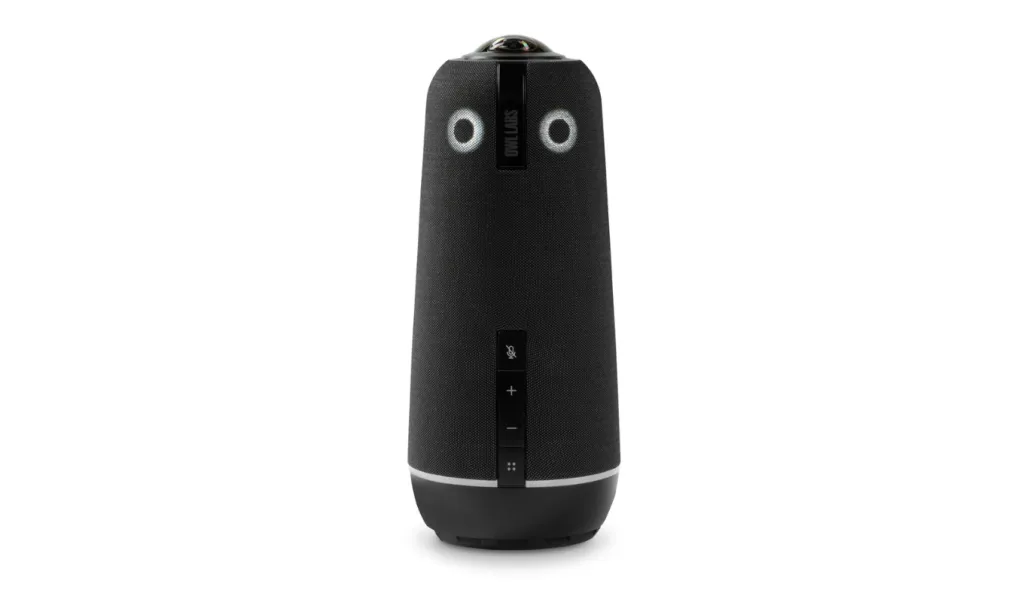
The Owl Labs Meeting Owl 4+ ($1,999): Represents a polished, software-first ecosystem known for its user-friendly "Stage View" and ease of use. It uses a single fisheye lens to capture the room. Visually, it lives up to its name with a tall, cylindrical design and glowing LED "eyes" that give it the distinct, approachable appearance of a friendly owl perched on the conference table.
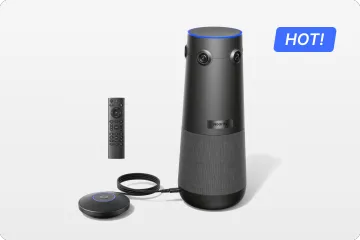
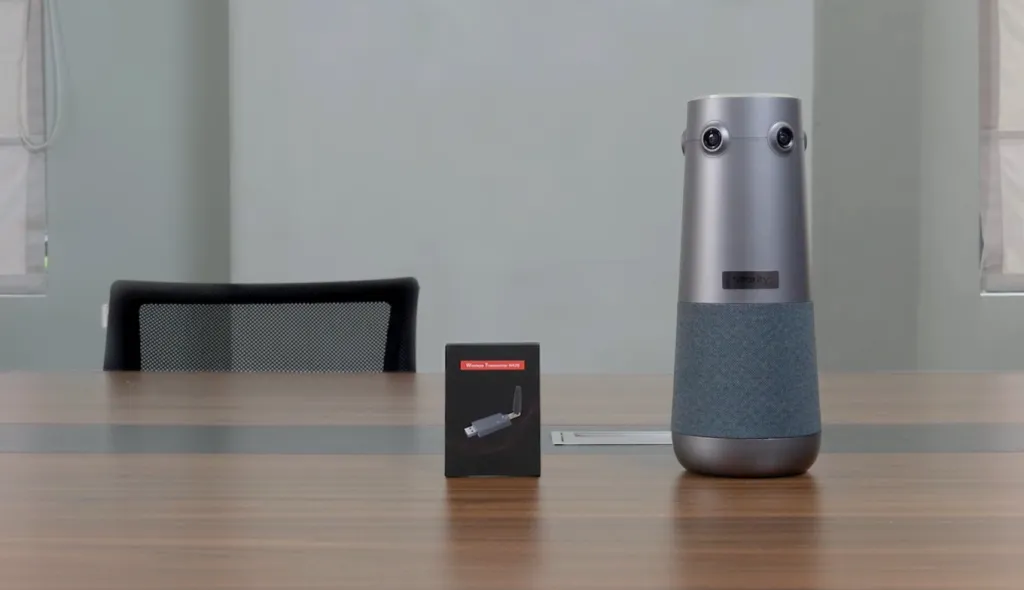
The Nearity 360 Alien ($1,599): Represents a hardware-first approach, utilizing a 4-lens array to stitch together a true 4K image with less distortion, and focusing heavily on audio scalability for larger spaces with its robust 6-microphone array. True to its moniker, it boasts a sleek, futuristic aesthetic; its distinct multi-lens head and modern geometry give it the striking look of a high-tech "alien" device seamlessly integrated into your meeting space.
Comprehensive Camera Selection Guide by Room Size
Different spaces demand different optical strategies. Below, we break down the specific requirements, challenges, and ideal hardware configurations for the three most common meeting environments.
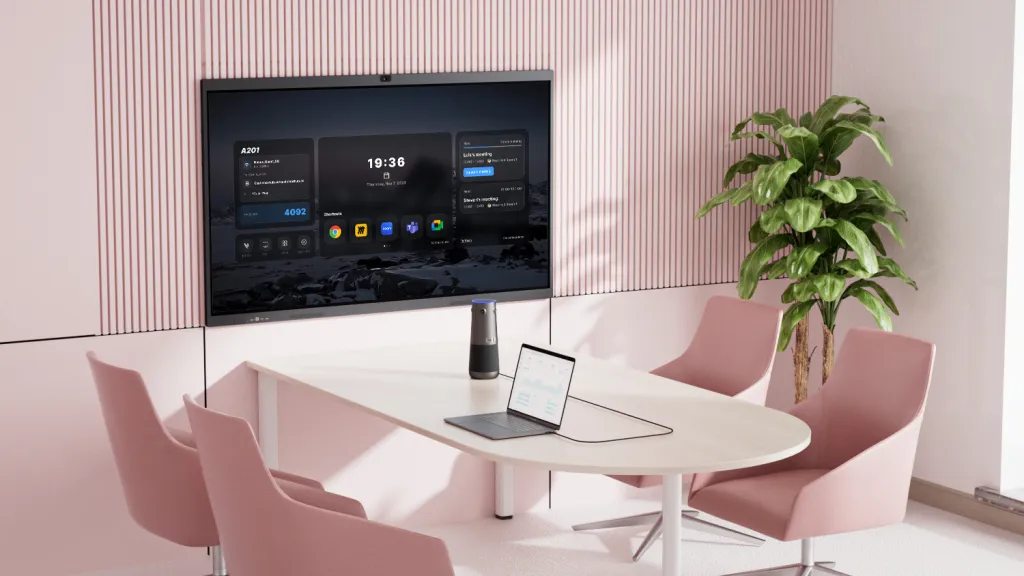
In small rooms, participants sit extremely close to the display. A standard camera with a narrow field of view will crop people out, while a single-lens fisheye camera can distort faces at the edges, making them look stretched.
The Comparison: Integrated Bars vs. 360° Towers
For huddle spaces, you generally have two choices: a front-of-room video bar or a center-of-table 360° camera.
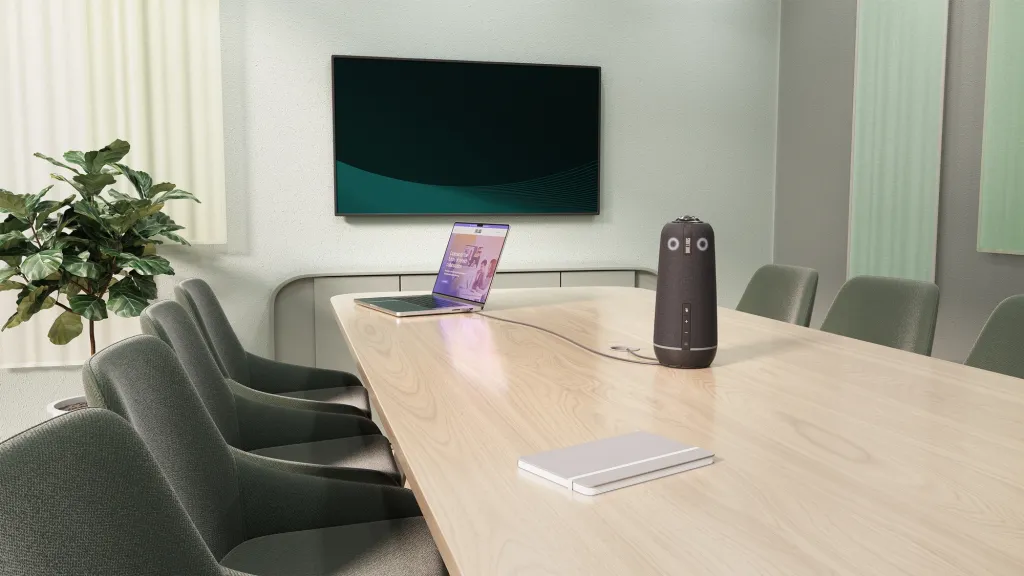
Owl Labs Approach: The Meeting Owl 3 (or 4+) sits in the center. Its strength here is intimacy. It captures everyone around a small round table perfectly. However, in very small rooms, the vertical height of the Owl can sometimes block the view of the TV if placed on a small table.
Nearity Approach: The Nearity 360 Alien also sits in the center but uses a 4-lens array rather than a single fisheye lens. This optical design minimizes the "funhouse mirror" distortion often seen when people sit very close to a single-lens camera.
Recommendation: For huddle rooms, a wide-angle video bar is often sufficient, but if you prefer a 360° experience to equalize remote and in-person eye contact, the Nearity 360 Alien offers superior distortion correction at close range due to its multi-lens stitching technology.
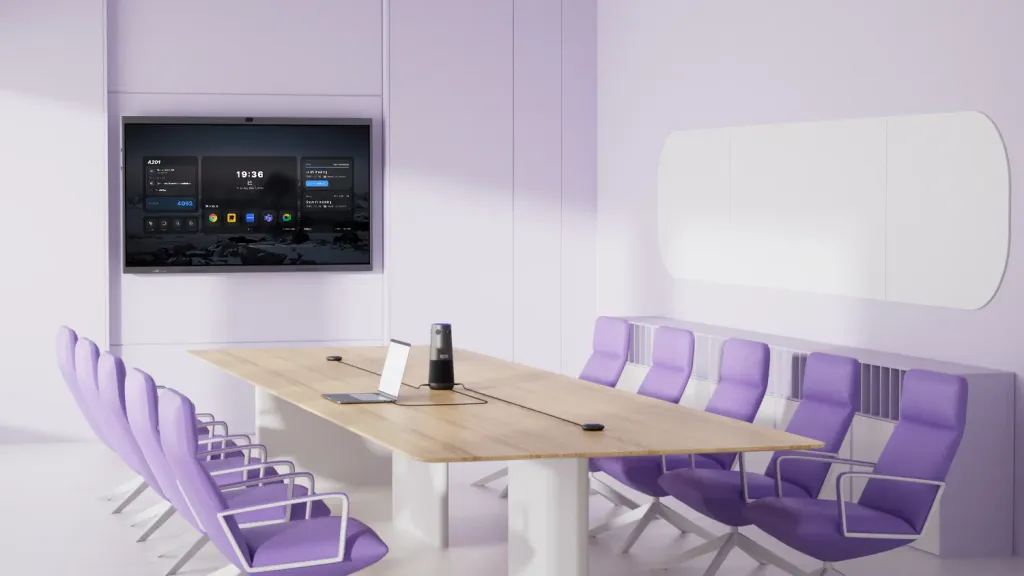
The Challenge: Overcoming the "Bowling Alley" effect. Center-of-table cameras restore the "circle of collaboration," but they must overcome the challenges of audio reach and digital zoom in longer rooms.
Audio Extension: To ensure voices are captured clearly at the far ends of the table, both devices support expansion microphones. The Nearity 360 Alien also provides a strong baseline out of the box with its custom 6-microphone array.
Visual Clarity: The Owl Labs 4+ relies on a single 4K fisheye lens. When its AI crops in on distant faces, the image can sometimes lose sharpness. The Nearity 360 Alien stitches together a 4-lens array, maintaining "True 4K" clarity that rivals optical zoom cameras even when framing someone 8 feet away.
Distraction Blocking (TVs & Glass Walls): The Owl Labs 4+ relies on software-configured "Ignored Zones" via its app. The Nearity 360 Alien uses a physical 30° Auto-Exclusion Zone—simply point this built-in blind spot at your TV or hallway, and the camera physically ignores the area to prevent tracking errors.
Summary Recommendation: Choose the Owl Labs 4+ if you prioritize a polished, app-driven software ecosystem. Opt for the Nearity 360 Alien if your priority is maximum A/V fidelity, sharper zoom clarity for distant participants, and foolproof, hardware-based distraction blocking.
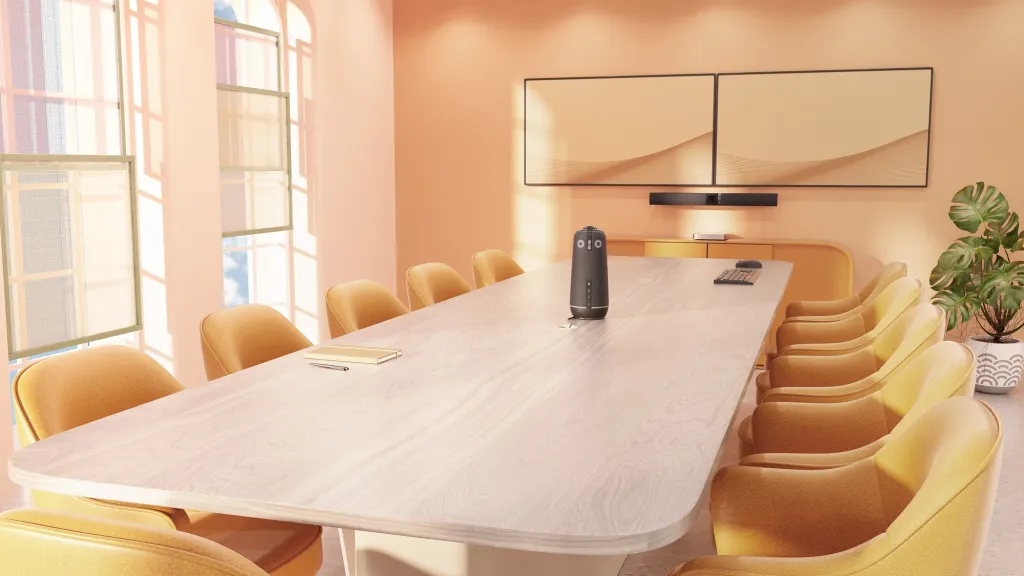
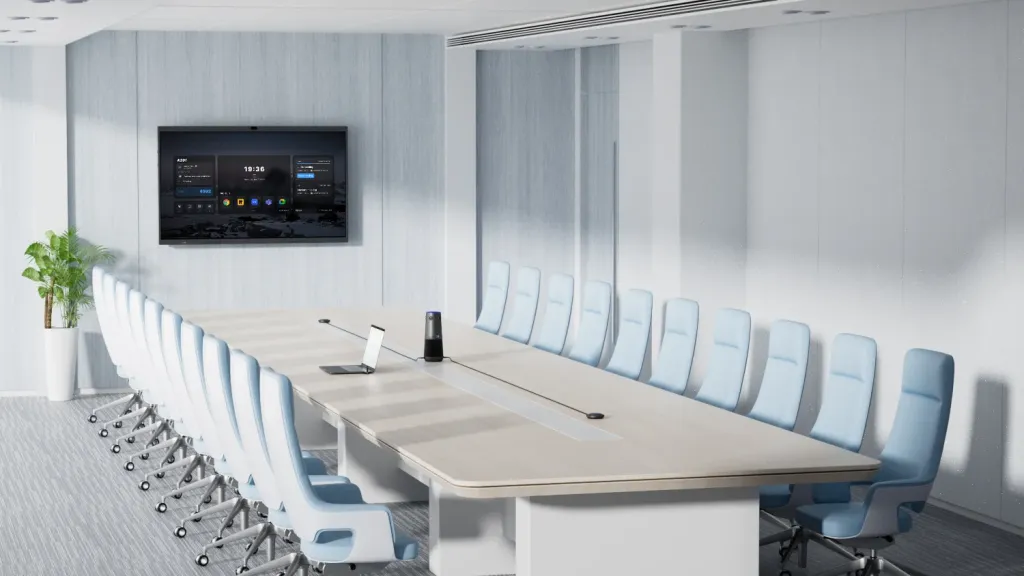
In large rooms, physics is the enemy. A device in the center of a 20-foot table cannot hear the person at the far end clearly without help. This is where you must carefully evaluate your [meeting room solutions] to ensure they can bridge that gap.
Audio Expansion: Wireless Pairing vs. Wired Daisy-Chain
The Owl Labs Solution (Wireless): Owl Labs uses "Owl Connect" to wirelessly pair two cameras (e.g., two Meeting Owl 4+ units). While effective, you are essentially buying a second expensive camera just to get more audio range.
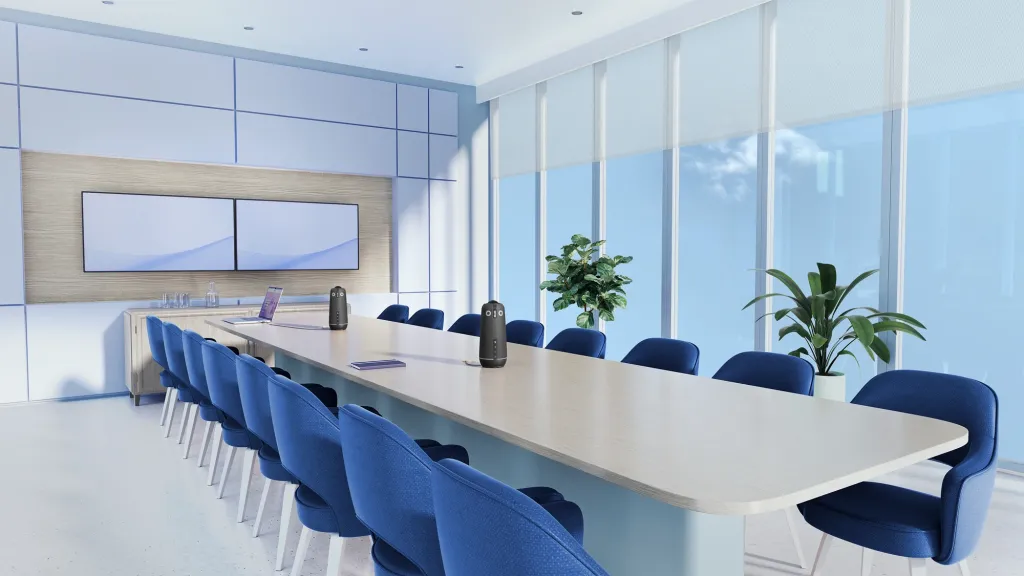
The Nearity Solution (Cost-Effective Audio Expansion): Nearity focuses on conference room A/V pragmatism. The 360 Alien comes equipped with one AM01 expansion microphone out of the box and supports daisy-chaining up to two expansion mics simultaneously. With these expansion mics, the 360 Alien expands its audio pickup range up to 16m/52ft. Compared to devices without expansion mics, it delivers greater coverage and consistent sound quality. This design solves the audio pickup challenges of medium-to-large rooms with minimal cost, creating a reliable, wired mesh of comprehensive audio coverage.
Summary Recommendation: For large boardrooms, the choice ultimately comes down to budget and cost-efficiency. Pairing two Meeting Owl 4+ units means spending nearly $4,000 ($1,999 per camera) just to ensure everyone is heard. The Nearity 360 Alien ($1,599) offers a far more economical approach. By utilizing affordable expansion microphones instead of requiring a second full-priced camera, Nearity delivers reliable, scalable room coverage at a fraction of the cost.
The Audio Battlefield: Comparing Range and Scalability
Audio performance is the single biggest failure point in large meeting rooms. Here is how the two systems stack up when pushed to their limits.
Owl Labs Audio Range:
The Meeting Owl 4+ has a base pickup range of approximately 5.5 meters (18 feet).
Adding an Expansion Mic extends this by 2.5 meters (8 feet) in the direction of the mic, bringing the total effective coverage to roughly 8 meters (26 feet). To cover a larger space, you are typically forced to purchase a second Owl unit to pair wirelessly.
Nearity 360 Alien Audio Range:
Base Range: The 360 Alien starts with a 5-meter radius pickup range.
The Expansion Advantage: To scale up your audio, you can connect up to two expansion microphones to the system.
Total Coverage: With two external mics connected, the total audio pickup range extends up to 16 meters (approx. 52 feet). This massive coverage allows a single camera system to handle a 30-foot boardroom table without the need to purchase a second expensive camera unit.
Verdict: For organizations prioritizing audio clarity across long distances, Nearity's expansion microphone approach is superior. When selecting a video conference camera for large room setups, this 16-meter reach is often the critical requirement for IT directors.
Installation Realities: Cabling and Connectivity
Regardless of the room size, how the camera connects to your system determines the ease of daily use and the aesthetics of the room.
The Cable Problem
Center-of-table cameras notoriously require running a cable across the floor.
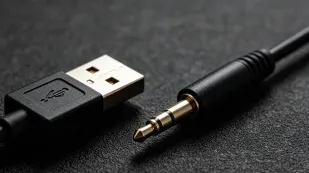
Owl Labs: Requires USB + Power. This usually implies using cable covers or trenching the floor to hide wires.
Nearity Innovation: The 360 Alien offers a Wireless USB Dongle option. This allows the camera to sit on the table (powered by a floor outlet) and transmit video/audio wirelessly to the PC at the front of the room. This is a game-changer for historic buildings or rooms where drilling into the floor is impossible.
Management and Security Ecosystems
Owl Labs: Relies heavily on "The Nest" cloud platform and mobile apps for setup. This is excellent for fleet management but can be a hurdle for high-security IT environments that restrict IoT devices on the corporate network.
Nearity: Operates more like a traditional peripheral. It is plug-and-play and does not strictly require an app or Wi-Fi connection to function, making it preferred in secure sectors like finance or government where "air-gapped" devices are standard.
Summary Configuration Table
Feature
Nearity 360 Alien
Owl Labs Meeting Owl 4+
Winner for...
Max Audio Range
16m / 52ft (w/ 2 ext mics)
8m / 26ft (w/ 1 ext mic)
Nearity (Large Rooms)
Optical Design
4-Lens Array (Stitched)
Single 4K Fisheye
Nearity (Less distortion)
Expansion Method
Wired Expansion Mics
Wireless Pairing (2nd Camera)
Nearity (Cost Efficiency)
Installation
USB or Wireless Dongle
USB + Wi-Fi App
Nearity (Flexibility)
Eco-system
Standalone / PC-based
Owl Bar / The Nest
Owl Labs (Integrated Suite)
Conclusion
Choosing the right camera is about balancing the physical constraints of your room with the needs of your remote participants.
If you are equipping a creative space or a huddle room where brand recognition and a friendly, approachable aesthetic are paramount, the Owl Labs Meeting Owl 4+ remains a strong contender with its polished software ecosystem.
However, if you are actively researching meeting owl alternatives for medium to large rooms where audio reach is the primary concern, the Nearity 360 Alien stands out. Its ability to extend audio pickup to 16 meters via affordable expansion microphones makes it a scalable powerhouse that outperforms the competition in larger business environments.
FAQs
1. Do I need to download an app or connect to Wi-Fi to use these cameras?
The Meeting Owl 4+ relies on its app and "The Nest" cloud platform for setup and management. The Nearity 360 Alien operates more like a traditional plug-and-play peripheral. It does not strictly require an app or Wi-Fi connection to function, making it an ideal, secure choice for IT environments in finance or government that restrict IoT devices on the corporate network.
2. Why does the Nearity 360 Alien use four lenses instead of a single fisheye lens like the Owl?
The single 4K fisheye lens on the Meeting Owl 4+ relies on AI to crop into a panoramic image, which can sometimes result in softer details at the edges or "funhouse mirror" distortion when people sit very close. The Nearity 360 Alien uses a 4-lens array to stitch together a "True 4K" image. Because it has more source pixels to pull from in any given direction, it maintains much sharper clarity and less distortion, especially when zooming in on distant participants.
3. Do I need to hire a professional AV installer to deploy these devices?
No. Both cameras are designed for easy, DIY setup. The Meeting Owl 4+ uses a simple app-guided setup. The Nearity 360 Alien is even simpler as a plug-and-play device. Plus, its Wireless USB Dongle eliminates the need to hire contractors to route or hide floor cables.
The Nearity 360 Alien is a significant upgrade. The older Meeting Owl 3 relies on a 1080p single fisheye lens, whereas the 360 Alien uses a stitched 4-lens array for "True 4K" clarity. Combined with a custom 6-microphone array that expands up to 16 meters, the 360 Alien delivers far superior video and audio quality for any room size.