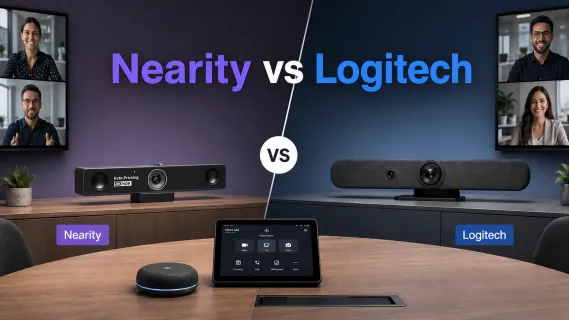
Logitech Conference Camera vs Nearity: Which Conference Room Camera Is Better in 2026?
Compare Logitech MeetUp 2 and Nearity V30S for small meeting rooms, with Nearity 360 Alien as an optional upgrade for 360° conference coverage.
Conference Camera
Logitech
Meeting Room Technology
Updated: Oct 27, 2026 · 11 minutes read
Global Business, Brought Near.
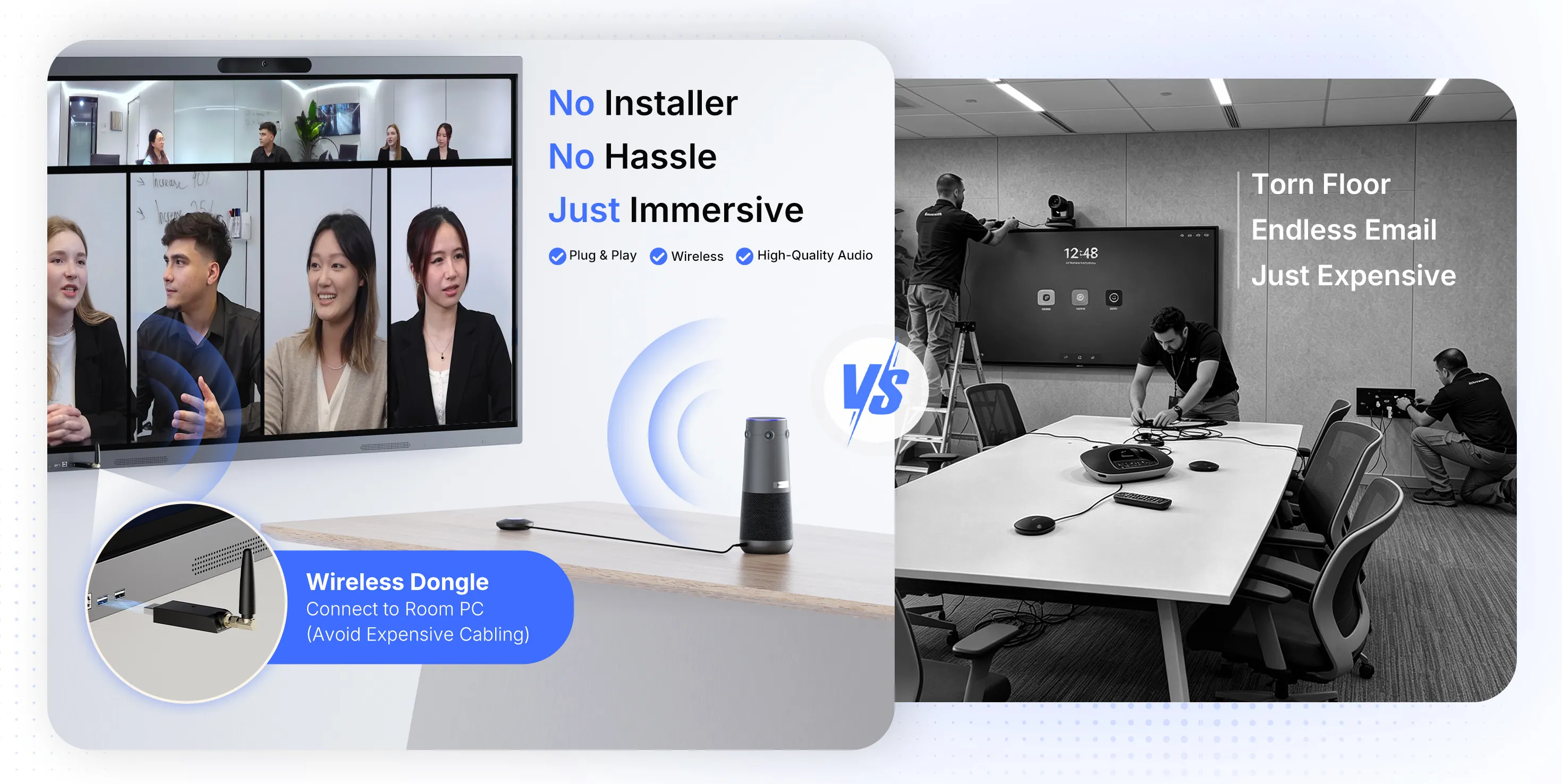
No Installer, No Hassle, Just Works.
Choosing between Logitech and Nearity conference cameras depends on your meeting room layout, deployment needs, and device management requirements. Nearity V30S is a practical alternative to consider for small meeting rooms and front-facing video conferencing setups, while Logitech MeetUp 2 may be a suitable fit for organizations prioritizing integration with their existing Logitech room ecosystem.
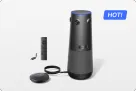
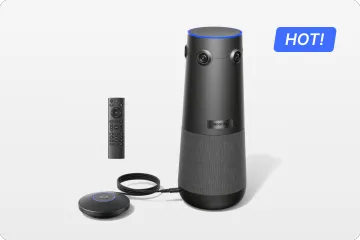
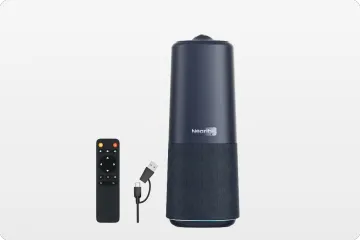
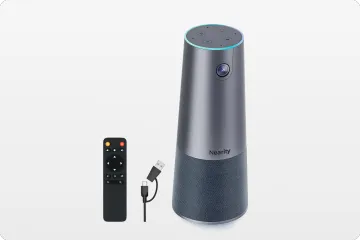
For teams looking to upgrade a meeting room with participants seated around a central table, Nearity 360 Alien offers an additional 360° conference camera solution. Its Starter Kit provides a standard configuration, while the Ultimate Wireless Pro Kit adds a second expansion microphone and a wireless dongle for rooms that need broader audio coverage and flexible connectivity.
Compare the room configuration, connectivity, audio requirements, and total deployment cost to find the right solution for your space.
Key Takeaways
Enterprise room management: Logitech may be a natural fit for organizations already using compatible Logitech room systems and Logitech Sync.
Central-table collaboration: Nearity 360 Alien is a standalone 360° conference camera designed to capture participants around a table.
Small meeting rooms: Compare Logitech MeetUp 2 and Nearity V30S based on room layout, mounting options, connectivity, and management requirements.
Meeting room upgrades: The 360 Alien Starter Kit provides a starting configuration, while the Ultimate Wireless Pro Kit includes two expansion microphones and a wireless dongle.
Total cost: Compare the complete room configuration, including accessories, installation, and management—not just the camera price.
The State of Video Conferencing in 2026
When evaluating conference-room cameras, businesses should focus less on brand reputation alone and more on the room experience they need to deliver.
Three questions help narrow the options:
Do participants primarily face a display, or sit around a central table?
Does the room need a managed room-system experience, or is a laptop-based BYOD workflow sufficient?
Does the proposed configuration include the camera, microphones, connection accessories, and management capabilities the room actually requires?
A conference camera comparison is most useful when it answers these questions rather than simply listing specifications.
Brand Approach: Logitech vs. Nearity
Logitech: An ecosystem-oriented approach
Logitech offers compact cameras, video bars, and companion devices for different meeting-room configurations. For organizations that already use compatible Logitech equipment and Logitech Sync, remaining within the ecosystem may simplify device management and standardization.
A front-of-room setup is especially suitable when meetings are presentation-led and participants generally face the display. A companion device such as Logitech Sight should be evaluated as part of a compatible room configuration rather than as a standalone all-in-one camera.
Nearity: Flexible room configurations
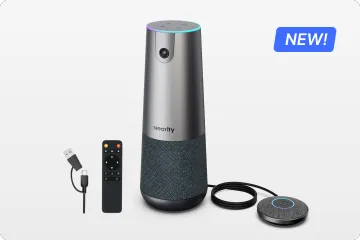
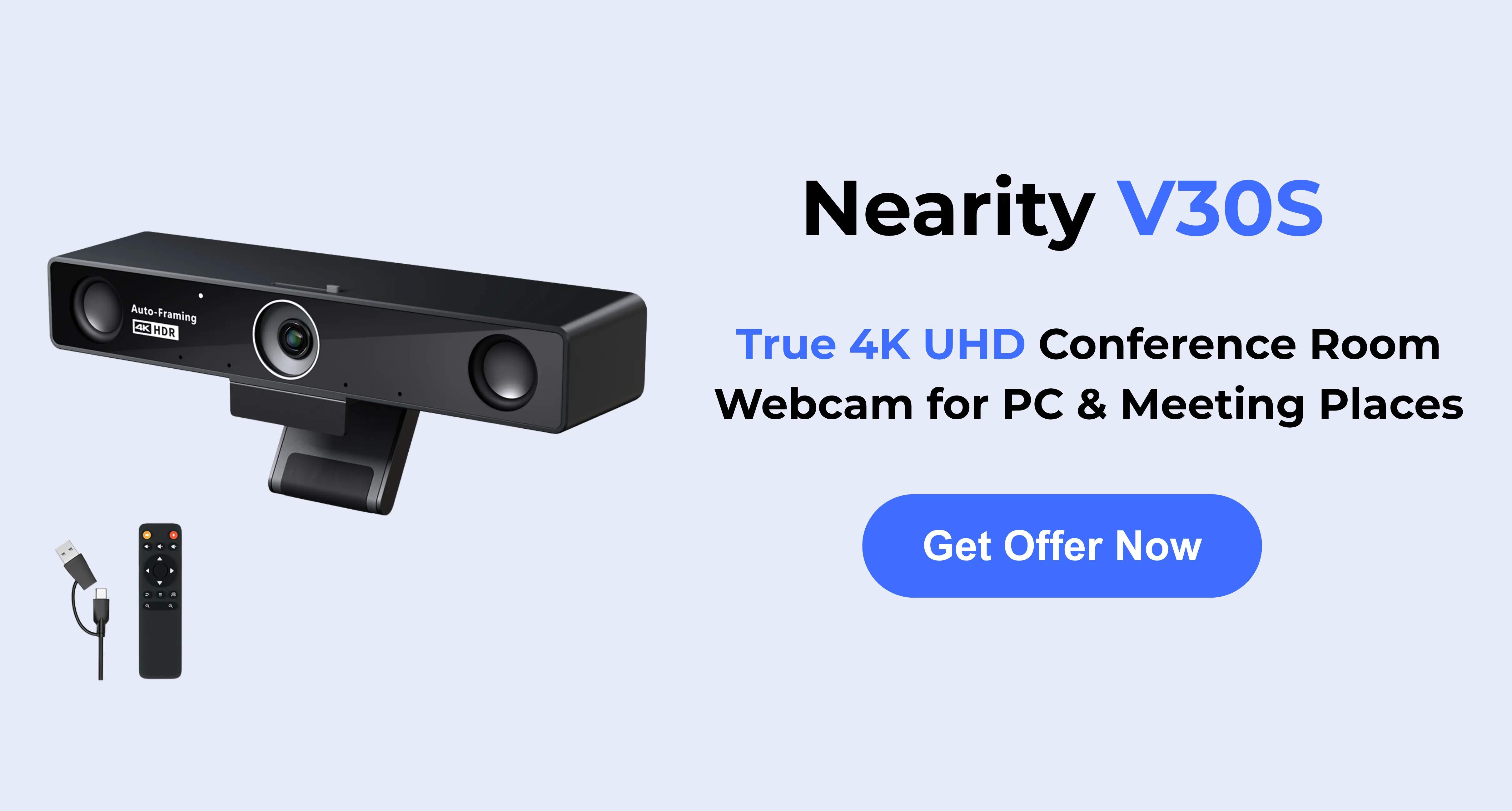
Nearity offers front-facing cameras such as the V30S as well as the 360 Alien all-in-one conference camera.
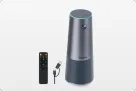
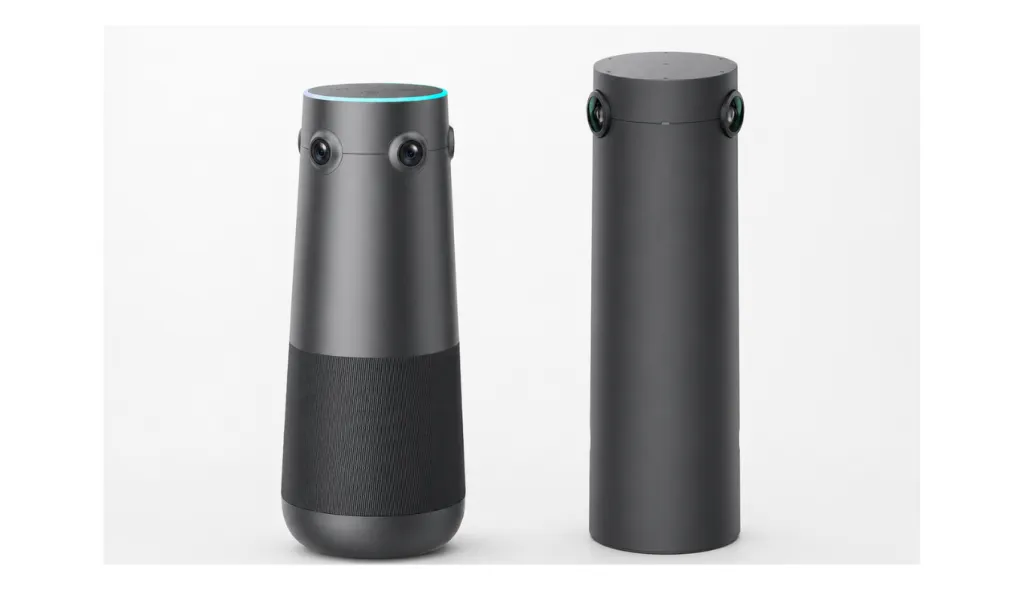
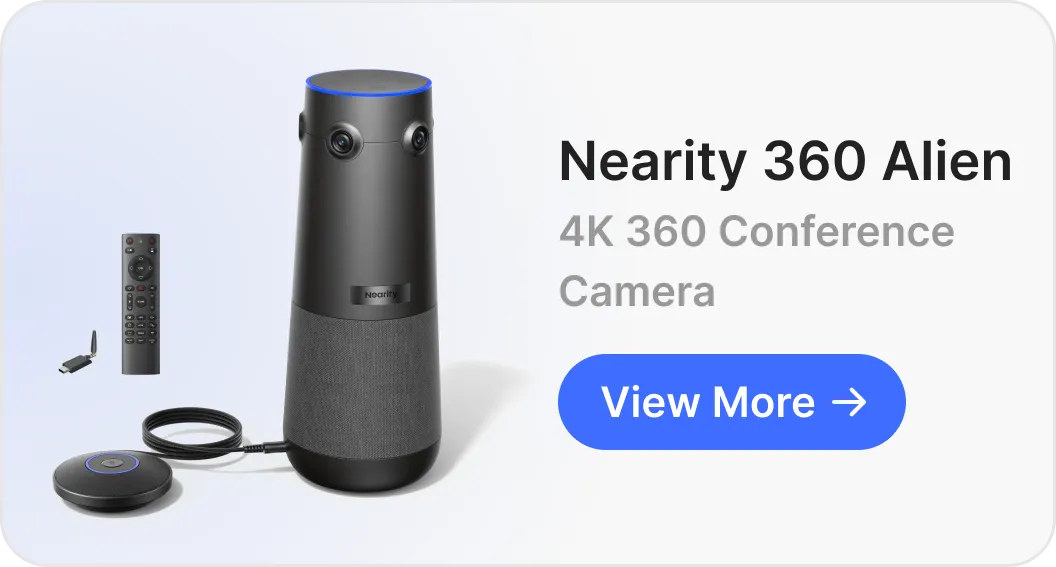
The V30S is designed for compact rooms and flexible camera placement. Nearity 360 Alien takes a different approach: it sits at the center of a table and combines 360° video, AI view modes, microphones, a built-in speaker, and USB-C connectivity in one device.
This can be useful for teams that want to capture participants seated on different sides of a table without building the entire room around a front-facing camera. The best configuration still depends on room acoustics, participant count, connection requirements, and the meeting platform.
Logitech Conference Camera vs Nearity: Quick Comparison
Factor
Logitech
Nearity
Typical room approach
Front-of-room cameras, video bars, and compatible room-system components
Front-facing cameras and standalone 360° tabletop camera
Presentation-led meetings
MeetUp 2 or Rally Bar configurations, depending on room size
V30S or another appropriate front-facing option
Central-table collaboration
A compatible room system; Sight can act as a companion camera
360 Alien as a standalone 360° option
Flexible BYOD
Depends on the selected product and configuration
USB-C connection on 360 Alien; optional wireless dongle
Device management
Logitech Sync for compatible devices
NearSync functions for supported Nearity devices
Audio expansion
Depends on the selected room system and accessories
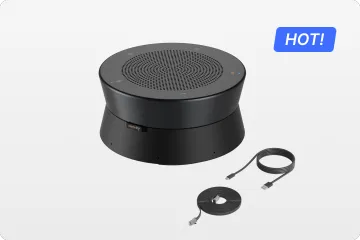
Up to two compatible AM01 expansion microphones on 360 Alien
Cost evaluation
Include all required room-system components and accessories
Include the selected kit and any additional accessories
Best decision criterion
Existing ecosystem, standardization, and room-management requirements
Room layout, standalone deployment, and the need for 360° coverage
The 360° Camera Comparison: Nearity 360 Alien vs. Logitech Sight
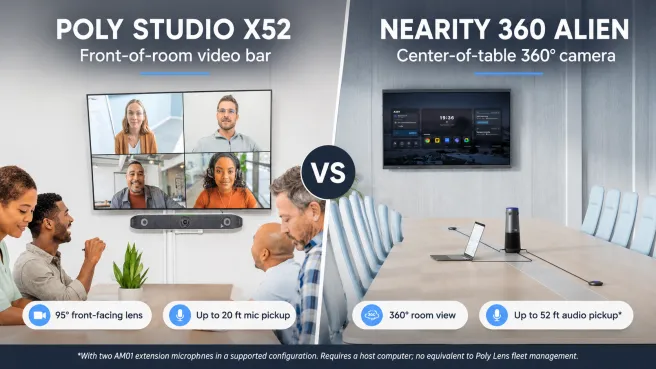
This is the most critical comparison for modern meeting rooms. The "center-of-table" camera is the best way to solve the "bowling alley" view where remote users only see a long table of tiny heads.
Logitech Sight: The "Companion"
The Logitech Sight is a tabletop camera designed to work with a front-of-room video bar (like the Rally Bar).
Concept: It captures faces at the table while the Rally Bar captures the room.
Limitations: It is not a standalone device. You must own a Rally Bar to use it. It also features a 315° field of view (FOV), leaving a "blind spot" that the front camera is supposed to fill.
Cost: You pay for the Sight (~$999) + the Rally Bar (~$3,000+).
Nearity 360 Alien: The "All-in-One Hero"
The Nearity 360 Alien is a standalone powerhouse and a strong Meeting Owl alternative, designed to sit in the center of the room and handle audio and video independently. It supports both USB and dongle connections, giving teams more flexibility for different meeting room setups.
Concept: A true 360° panoramic 4K camera with 6-element microphone arrays that requires no other cameras to function.
Advantages: True 4 * 4K lenses with 360° view, works as a standalone USB device or wireless dongle, superior "Speaker Focus" that isolates the active talker instantly.
Cost: Significantly lower than the combined Logitech ecosystem cost.
Comparison Table: 360° Solutions
Factor
Logitech Sight
Nearity 360 Alien
Role
Companion tabletop camera in a compatible Logitech system
Standalone all-in-one 360° camera
Room architecture
Used with compatible front-of-room Logitech equipment
Camera sits at the center of the table
Audio
Evaluated as part of the complete room configuration
Built-in six-microphone array and speaker
Expansion
Depends on the compatible Logitech system
Supports up to two compatible AM01 expansion microphones
Connection
Requires the compatible Logitech deployment
USB-C; optional NA20 wireless dongle
Best fit
Organizations standardizing a compatible Logitech room system
Teams seeking standalone 360° coverage around a central table
The important distinction is architectural. Logitech Sight is part of a compatible Logitech room solution, while Nearity 360 Alien combines 360° video and audio in one device. Neither architecture is universally superior; the right choice depends on the room and the required workflow.
Upgrade Your Meeting Room with a 360° Conference Camera
For teams evaluating a different meeting room layout, Nearity 360 Alien and Logitech Sight represent two distinct approaches to central-table video coverage.
Logitech Sight is designed to complement a compatible Logitech front-of-room system. Nearity 360 Alien combines 360° video, microphones, and a speaker in one standalone device, with USB-C connectivity and an optional wireless dongle.
The right choice depends on whether you want to extend an existing Logitech room system or consider a standalone 360° solution for participants seated around a central table.
The Starter Kit includes the 360 Alien camera and one expansion microphone in the currently listed package.
It is a practical starting point for a medium meeting room where participants sit around a central table and the primary objective is to improve participant visibility without building the entire setup around a front-of-room camera.
Consider this option when:
The room has a central conference table.
Participants sit on multiple sides.
USB-C connectivity fits the meeting workflow.
One expansion microphone is sufficient for the planned layout, subject to an in-room audio test.
Option 2: Advanced 360° Upgrade
Recommended configuration: Nearity 360 Alien Ultimate Wireless Pro Kit
The currently listed Ultimate Wireless Pro Kit includes the 360 Alien camera, two expansion microphones, and one NA20 wireless dongle.
This configuration is designed for teams that need additional audio pickup flexibility and a wireless connection option.
360 Alien camera: Provides the central 360° video view, AI view modes, and built-in audio.
Two expansion microphones: Help extend audio pickup across a larger table or room. Placement should be tested from the seats farthest from the main unit.
NA20 wireless dongle: Adds a wireless connection option for supported setups.
Room validation: Test the selected configuration with the actual table layout, room acoustics, and Zoom or Microsoft Teams workflow.
Consider this option when:
The room accommodates more participants.
The table is longer or seating is more spread out.
Additional microphone coverage is needed.
Wireless connectivity is preferred for the intended deployment.
Standard vs. Advanced Upgrade
Item
Starter Kit
Ultimate Wireless Pro Kit
360 Alien camera
Included
Included
Expansion microphones
One
Two
NA20 wireless dongle
Not included in the listed package
Included
Primary use
Standard 360° room upgrade
Expanded audio and wireless connection option
Selection criteria
Room geometry and basic audio needs
More participants, wider seating, and connection preferences
The wireless dongle changes the connection method; it does not itself extend microphone pickup range. The expansion microphones are the components intended to support wider audio coverage. Actual performance depends on room acoustics, microphone placement, and background noise.
Check the current product listing for package contents, prices, and recommended room sizes before ordering.
Huddle Room Strategy: Nearity V30S vs. Logitech MeetUp 2
For smaller rooms, camera placement and meeting style are often more important than adding a more complex system.
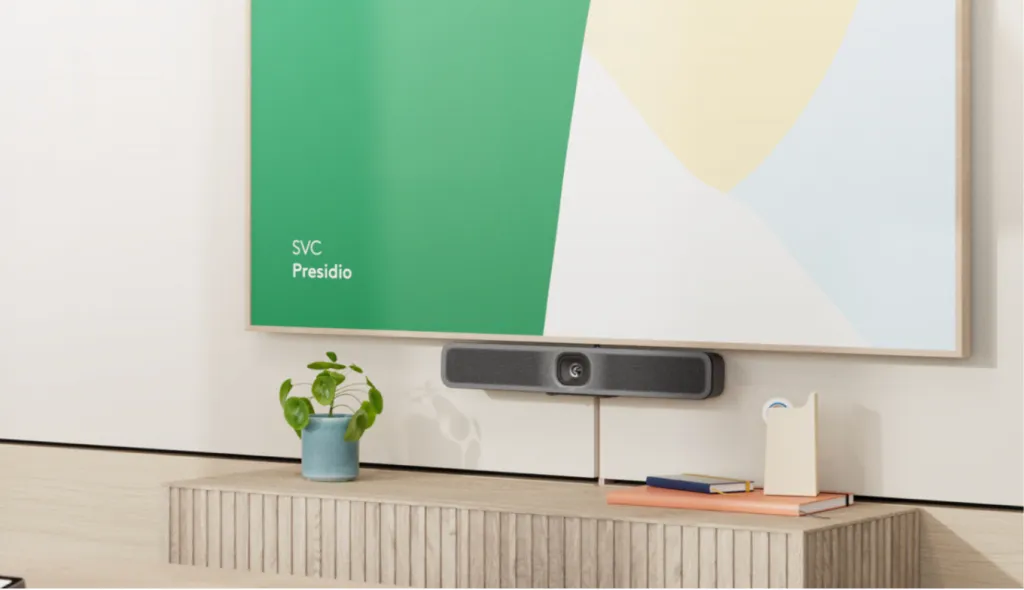
Logitech MeetUp 2 is a front-facing all-in-one conference camera for huddle rooms and small meeting spaces. It is suitable for rooms where participants sit facing a display.
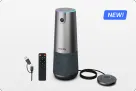
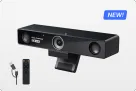
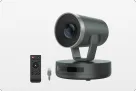
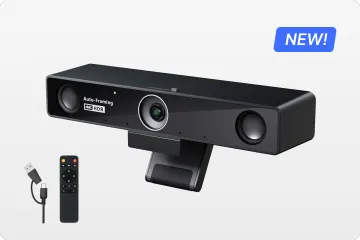
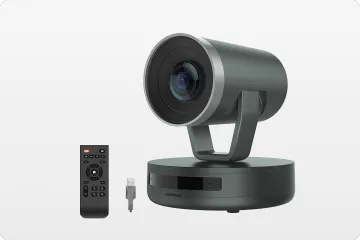
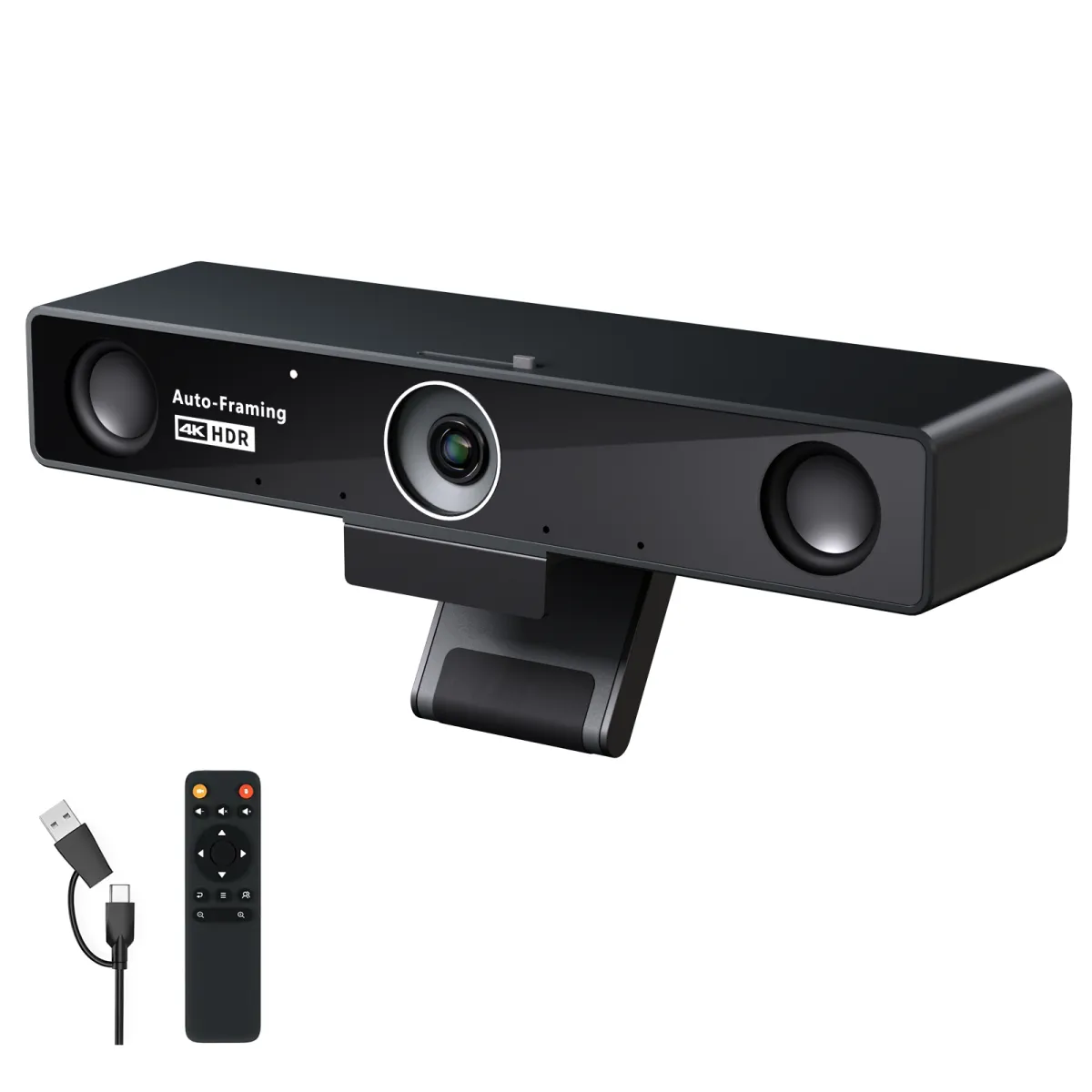
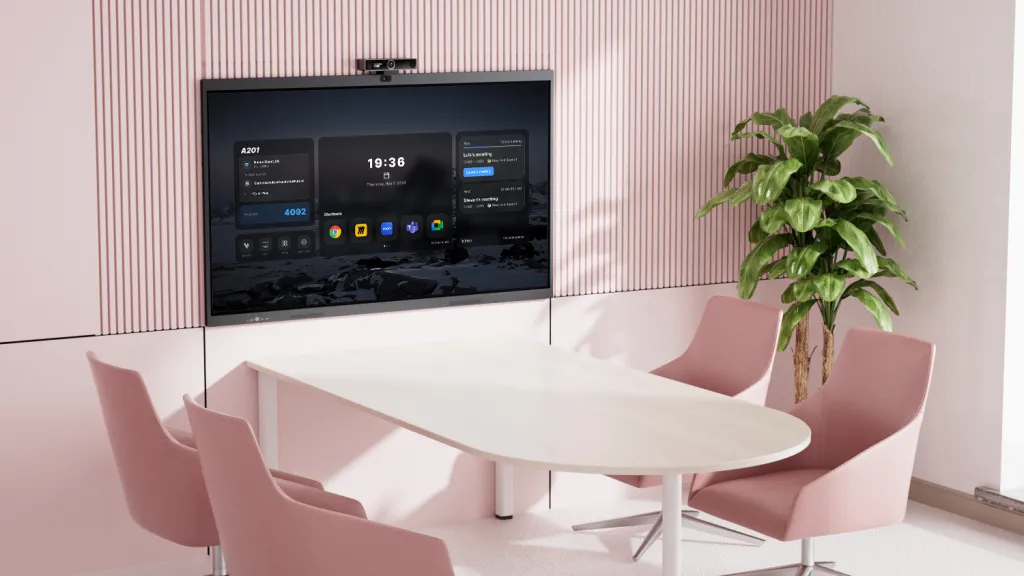
Nearity V30S is a compact 4K conference camera with a 120° field of view, designed for small meeting spaces and flexible deployment. Its compact format can suit teams that want to place a camera on a display or use a supported mounting arrangement.
Room requirement
Option to evaluate
Why
Dedicated huddle room with display-facing participants
Logitech MeetUp 2
Front-facing room arrangement
Small room with flexible camera placement
Nearity V30S
Compact 4K camera with a wide-angle view
Medium room with participants on multiple sides of a central table
Nearity 360 Alien
Standalone 360° room coverage
Enterprise-wide standardized room fleet
Compatible Logitech room system
Existing infrastructure and management requirements may be decisive
For small meeting rooms where participants face a display, compare MeetUp 2 and V30S based on the required camera coverage, mounting options, audio performance, and device management needs. V30S is worth considering when a compact 4K camera and flexible placement are priorities. Organizations already using Logitech room-management tools may prefer to evaluate MeetUp 2 within their existing deployment.
The Room-Flexibility Factor
Logitech MeetUp 2: Consider it for a dedicated room where participants generally face the display and managed-room features are important.
Nearity V30S: Consider it for compact rooms, flexible BYOD meetings, or setups where mounting options matter.
Audio and Meeting Experience
Compare microphone coverage, speaker performance, and noise handling using the official specifications for each selected model. A manufacturer's listed pickup range is a useful starting point, but the actual result depends on room size, layout, and background noise.
Cost and Deployment
Logitech MeetUp 2 may suit organizations prioritizing integration with their existing Logitech room management approach. Nearity V30S may be appropriate for teams seeking a compact USB-based setup.
If the room is small and everyone faces the display, compare the two front-facing options. If participants sit around a central table, evaluate whether a 360° camera architecture is a better fit.
Feature Deep Dive: AI Audio and Camera Framing
Audio processing and camera framing can influence how clearly remote participants hear and see a meeting. However, performance depends on the specific device, software settings, room acoustics, and participant placement.
Audio Processing
Both brands offer audio-processing features in their product portfolios. Compare the exact model's noise suppression, echo cancellation, microphone configuration, and supported settings rather than assuming that one brand consistently outperforms the other.
For a meaningful evaluation, test representative conditions such as keyboard noise, air conditioning, overlapping speech, and participants seated at the far end of the table.
Auto-Framing & Speaker Tracking
Different camera systems use different approaches to framing participants.
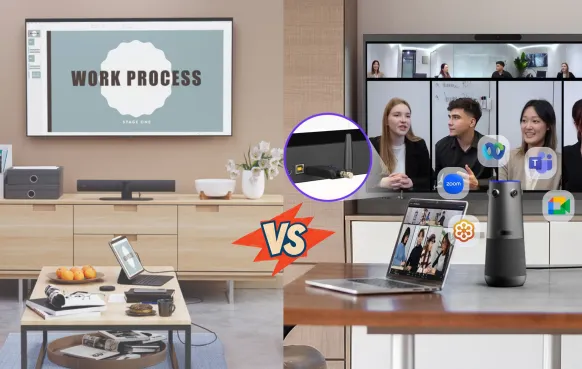
For a front-facing setup, auto-framing helps keep participants visible in the camera's field of view. For Nearity 360 Alien, the Discussion, Global, and Presentation modes provide different views of the meeting.
Choose the mode and camera architecture based on the meeting style. A presentation-led meeting may benefit from a front-facing view, while a collaborative discussion may benefit from a center-of-table camera.
Installation & Total Cost of Ownership (TCO)
What to Include in a Logitech Configuration
Depending on the selected architecture, the total may include:
Camera or video bar.
Room controller or other room-system components, if required.
Compute hardware, if required by the chosen operating mode.
Additional accessories for the desired connectivity.
Installation, configuration, and ongoing management.
Not every Logitech room needs every component listed above. Build the estimate from the actual proposed configuration.
What to Include in a Nearity Configuration
For a Nearity room, consider:
The selected camera or kit.
Expansion microphones, if needed.
The NA20 wireless dongle, if the wireless connection option is required and not already included.
The computer or meeting-room system used for the meeting.
Setup, testing, and ongoing device maintenance.
The current NearHub product page lists the 360 Alien Starter Kit at $1,399 and the Ultimate Wireless Pro Kit at $1,699 at the time of review. These are product-page prices, not a guarantee of the final configured room cost. Verify current prices and bundle contents before publishing or purchasing.
Avoid comparing one standalone camera against an entire room system without clearly explaining the difference in included hardware and functionality.
Best Logitech Conference Camera Alternative: Final Recommendation
Choosing between a logitech conference camera and a Nearity solution comes down to your priorities: Ecosystem vs. Performance/Value.
Consider Logitech MeetUp 2 if:
You need a front-facing camera for a dedicated huddle room.
Your organization already uses compatible Logitech room-management tools.
Standardizing your room equipment is a priority.
Consider Nearity V30S if:
You need a compact 4K conference camera for a small meeting room.
Flexible camera placement is important.
You prefer a USB-based meeting workflow.
Consider Nearity 360 Alien as an upgrade if:
Participants sit around a central conference table.
A front-facing camera does not provide the meeting coverage you need.
You want an all-in-one 360° camera with the option to expand audio coverage.
Which Setup Fits Your Room?
Front-of-room presentation: Evaluate Logitech MeetUp 2 or Rally Bar and relevant Nearity front-facing options.
Small flexible huddle room: Compare Logitech MeetUp 2 with Nearity V30S.
Standard 360° upgrade: Consider the 360 Alien Starter Kit.
Advanced room upgrade: Consider the Ultimate Wireless Pro Kit when two expansion microphones and the wireless dongle match the room's needs.
Existing Logitech fleet: Evaluate whether reusing compatible equipment and management workflows is simpler.
FAQs
1. What is the best Logitech conference camera alternative?
It depends on the room. For a small front-facing setup, compare cameras such as Nearity V30S. For central-table collaboration and standalone 360° coverage, consider Nearity 360 Alien.
2. Is Logitech worth the price for a conference room?
It can be, particularly for organizations that value standardized room systems, centralized management, and compatibility with existing infrastructure. Compare the complete configuration and its ongoing requirements before deciding.
3. What is the difference between Logitech Sight and a standalone 360° conference camera?
Logitech Sight is designed to work as a companion tabletop camera in a compatible Logitech room system. Nearity 360 Alien is a standalone all-in-one 360° conference camera with built-in audio.
4. Is a 360° conference room camera better than a front-facing camera?
Not in every room. Front-facing cameras suit presentation-led rooms where participants face the display. A 360° camera can be a better fit when participants sit around a central table and face different directions.
5. What conference camera is best for a 6–12 person meeting room?
Consider the table layout, seating, acoustics, and meeting style. Nearity 360 Alien Starter Kit is one option for a central-table room, while a front-facing camera may suit a room where everyone faces the display.
6. Can Nearity cameras work with Zoom and Microsoft Teams?
The Nearity 360 Alien product page lists compatibility with Zoom, Microsoft Teams, Google Meet, Webex, and other applications that support standard USB audio/video devices. Confirm the requirements for your specific meeting-room deployment.
7. Does Nearity 360 Alien work as a standalone conference camera?
Yes. It is designed as an all-in-one 360° conference camera with built-in audio and USB-C connectivity. The NA20 wireless dongle provides an additional connection option and is included in the currently listed Ultimate Wireless Pro Kit.
8. How much does a complete Logitech conference room setup cost?
The total varies with the selected camera or video bar, controller, compute hardware, microphones, connection accessories, and installation. Use current official prices and compare configurations that meet the same room requirements.
Conclusion
Choosing between Logitech and Nearity comes down to room architecture, deployment, management, and the cost of the complete setup. Logitech may be the right fit for organizations standardizing compatible room systems. Nearity provides alternatives for teams that prefer flexible deployment or want a standalone 360° camera for central-table collaboration.
For an existing room upgrade, start with the room's actual needs. The 360 Alien Starter Kit is a starting point for a standard 360° configuration. The Ultimate Wireless Pro Kit adds a second expansion microphone and a wireless dongle for teams that need those capabilities.
Ready to evaluate a 360° meeting room upgrade?Explore Nearity 360 Alien or request a quote based on your room size, participant count, and deployment requirements.